

Sage 50 Accounting for Hire Companies
Connect the power of HireHop Equipment Rental Software with your desktop or hybrid Sage 50 (and Sage 50 Cloud) setup. HireHop completely automates your financial data pipeline, instantly synchronising invoices, payments, purchase orders, credit notes and contacts, eliminating human error and keeping your warehouse operations perfectly aligned with your accounting office.
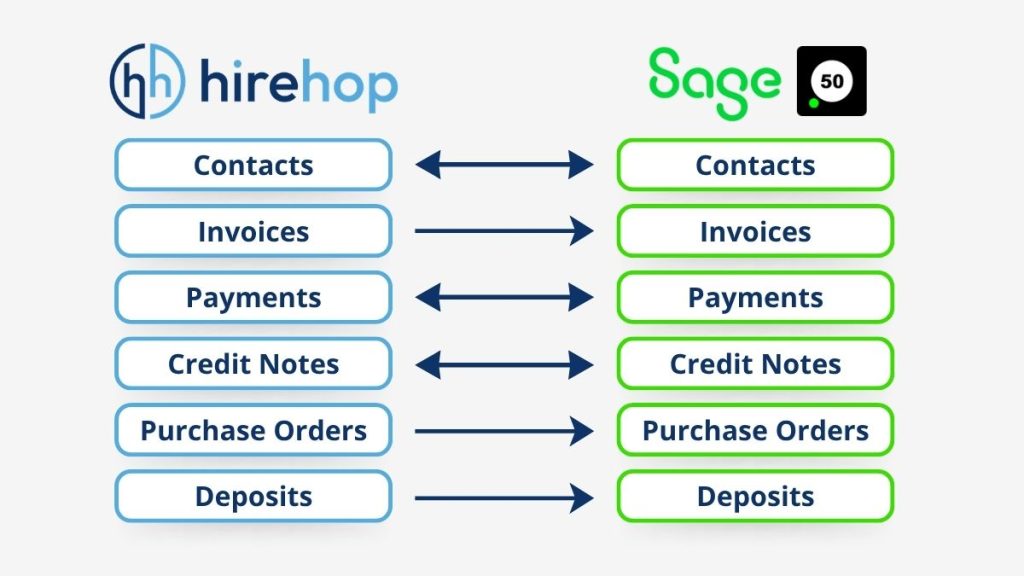
How HireHop & Sage 50 Work Together
Instead of tedious manual batch files or spreadsheet uploads, HireHop communicates seamlessly with Sage 50 behind the scenes:
- Automated Invoices & Credits: Invoices and credit notes generated inside HireHop are automatically pushed straight to Sage 50 with no manual intervention required.
- Live Payments & Credits: Record payments or credit notes directly within HireHop to update Sage instantly, or update HireHop payments instantly from your cleared transactions in Sage.
- Purchase Order Syncing: Effortlessly send purchase orders created in HireHop to Sage 50, allowing your accounting team to easily match and reconcile purchase invoices to prevent being overcharged.
- Smart Contact Mapping: Import your existing customer and supplier databases from Sage on day one. HireHop will automatically map and sync any new contacts as transactions are raised.
- Multi-Company Management: Manage multiple distinct Sage 50 company profiles cleanly within a single HireHop network.
- Total Sync Flexibility: Choose to let HireHop update Sage 50 completely automatically in real time, or hold transactions for a manual review before a scheduled batch push.
Why Sage 50 & Sage 50 Cloud Fit the Rental Industry
Sage 50 remains an absolute powerhouse for established rental and production companies requiring robust, deep financial control:
- Complete Cash Flow Control: Track aging debt, handle complex late rental fees and automate payment scheduling with live bank feeds.
- Faster Quote-to-Payment: Speed up your accounts receivable by utilising Direct Debit integration via GoCardless, or let customers pay digital invoices instantly using PayPal, Stripe or Sage Pay links.
- Speedy Bank Reconciliation: Sage 50 imports your live bank feeds directly, allowing your accounting team to match rental receipts against overheads in seconds.
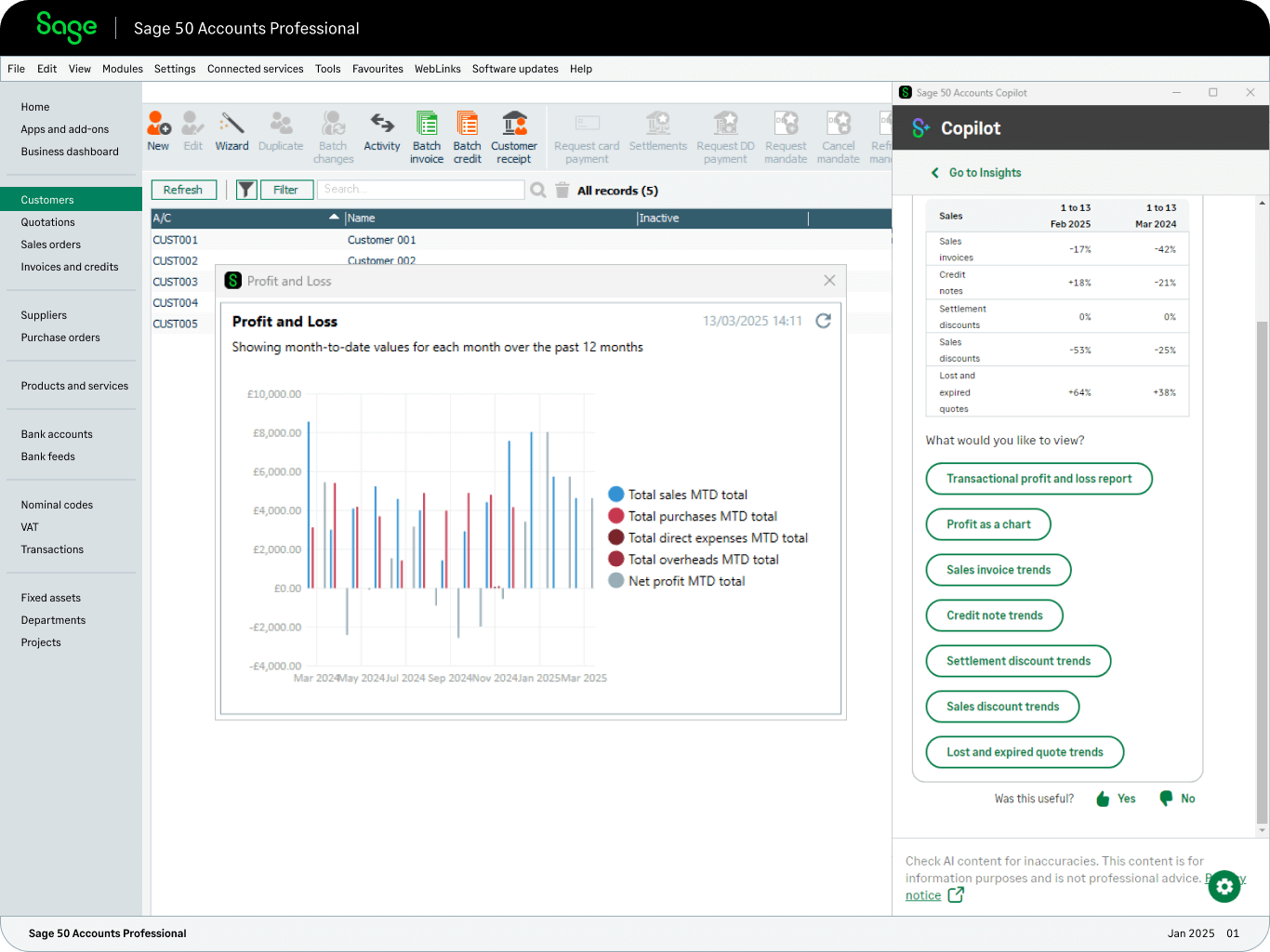
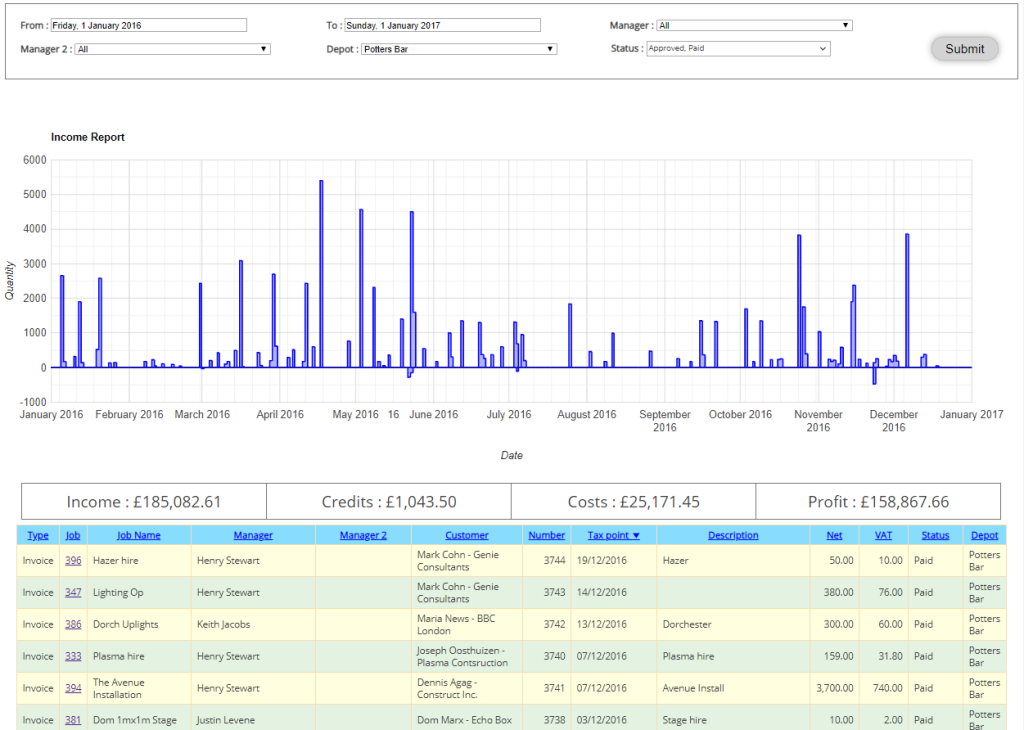
- Advanced Financial Reporting: Tap into Sage 50’s comprehensive reporting tools to run deep profit-and-loss analysis and seasonal revenue breakdowns.
How to Connect HireHop to Sage 50
Connecting HireHop to Sage 50 is a straightforward process, managed securely through our trusted integration partner.
A Note on Sage 50 Connectivity
Unlike true cloud-based platforms (such as Sage Business Cloud, Xero, QuickBooks, FreeAgent, Microsoft Dynamics 365 Business Central and Exact) which offer free, native online APIs, Sage 50 operates as a desktop application. Because Sage does not provide a free, direct online API for Sage 50, connectivity with HireHop is enabled through a specialised 3rd-party partner module.
(Please note: An additional connector fee applies for Sage 50 integration. All of our other cloud accounting integrations remain completely free of charge).
- Enable the Connector: In your HireHop Settings, navigate to Accounts Package and select Sage 50.
- Setup & Authorisation: Follow the guided prompts to insert the URL and Auth Token that will be given to you following the API installation.
- Sync Data & Map Accounts: Automatically pull in and map your existing nominal codes, tax rates, bank accounts and contact records.
- Assign Depots: Allocate the Sage 50 connection to the appropriate depots, and your automated sync is live!